How to Start the Extension
- After installing the extension from the Chrome Web Store, click the Extensions puzzle piece icon in your browser's top right corner.
- Find Blooket Hacker in the list and click the Pin icon to keep it visible on your toolbar.
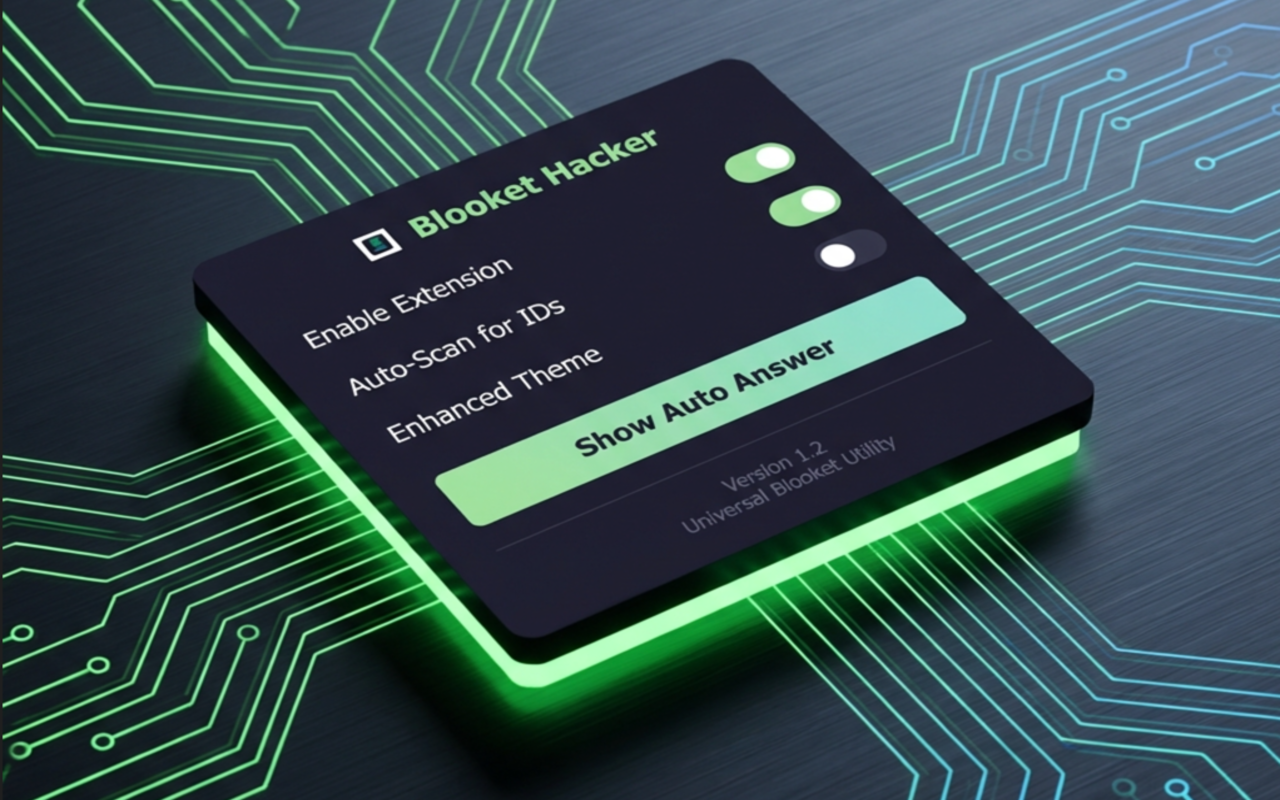
- Click the newly pinned Blooket Hacker icon to open the control panel.
- Ensure the Enable Extension and Auto-Scan for IDs toggles are turned on (marked in green).
How to Use Blooket Hacker
Once activated, the extension runs quietly in the background and helps you with games.
- Navigate to any Blooket-related page or any site that contains a Blooket Game ID (usually 6-8 digits).
- The extension will automatically scan and highlight these Game IDs.
- Hover your mouse over the highlighted ID to instantly reveal a quick-join tooltip.
- During a quiz, use the "Show Auto Answer" button in the popup menu to let the extension help you locate the answers dynamically!
Extension Control Panel
In-Game Interaction